- How to Create a Crypto Invoice on Breet (Step by Step)
- Why a Crypto Invoice Beats a Wallet Address in a Chat
- Why Invoice in Crypto Instead of a Bank Wire
- Who Should Send Clients a Crypto Invoice
- Getting Paid: How the Invoice Becomes Naira, Cedis, or Dollars
- An Invoice Isn't Paid Until the Money Is Spendable
- Frequently Asked Questions
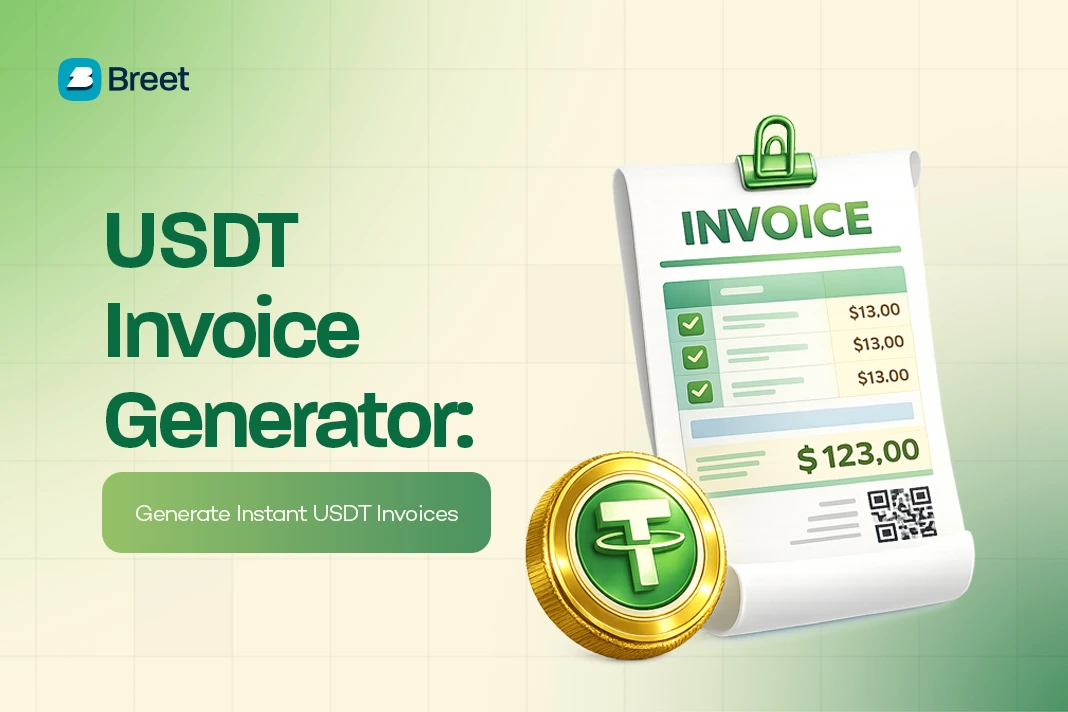
You create a crypto invoice for a client with a free generator like Breet’s invoice tool: enter the amount in dollars, choose the coins you’ll accept, and the tool builds a payment link and QR code that locks the rate and pays out as naira or cedis the moment your client sends the funds. That’s the two-minute version.
John learned why the details matter the hard way. He bills clients in stablecoins because a bank wire costs him days of waiting and 5 to 10 percent in fees. But one client once pasted his USDT address into the wrong network, and the payment vanished for good.
A crypto invoice, not a copied wallet address, is what closes that gap: it names the exact coin, network, and amount due, so there’s no room for either side to guess wrong.
Key takeaways
- Generate a free crypto invoice on Breet in under two minutes: amount, coin, network, share link.
- Turn on Auto-Settlement so the payment lands as naira or cedis in your bank account the moment your client pays.
- Match the network on the invoice to the network your client’s wallet supports. That one step is what stops payments from disappearing.
How to Create a Crypto Invoice on Breet (Step by Step)
Here’s how to build and send one with Breet’s crypto invoice feature, free and without writing any code.
Log In and Open the Invoice Tool
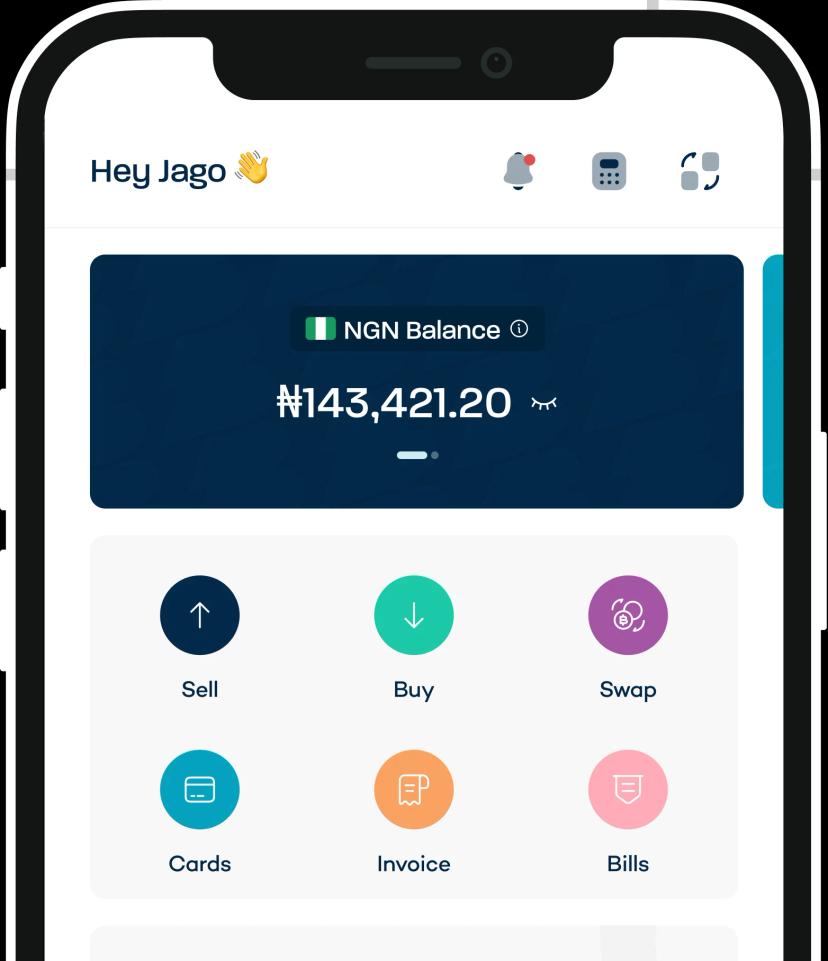
Open the Breet app or website, log in, and tap the invoice icon on the main menu, then select “Generate Invoice.”
Add Your Business Details
First invoice? Add your logo, business name (or your own name), phone number, and email. Save it once and Breet reuses it on every invoice after.
Name the Invoice and Describe the Work
Title the invoice after the service or product you delivered, then add a line or two of description so your client knows exactly what they’re paying for.
Set the Amount in US Dollars
Enter what you’re charging in USD. Breet locks this figure to the live exchange rate, so the crypto amount due updates automatically.
Choose the Coins and Match the Network
Pick which coins your client can pay in: BTC, ETH, LTC, SOL, DOGE, AVAX, USDT, USDC, or BNB. USDT on TRC-20 (the Tron network) is usually the cheapest and most common choice for Nigerian and Ghanaian clients, because network fees on Tron run a few cents against several dollars on ERC-20 (Ethereum).
This is the step that decides whether a payment lands or disappears: the invoice generates a wallet address tied to one specific network, so as long as your client pays through the link or QR code rather than copying an address into a separate app, the network always matches.
Set a Validity Period
Choose how long the invoice stays open, and add any payment instructions or a thank-you note.
Generate and Share the Invoice
Tap “Generate Invoice.” Breet creates a unique payment link and QR code instantly. Copy the link into WhatsApp or Telegram, download it as an image to email, or add the client’s email so Breet sends it for you.
Turn On Auto-Settlement
With Auto-Settlement on, the crypto converts to naira or cedis and lands in your bank account the moment your client pays, no manual withdrawal step needed. You get a push notification the second the invoice flips to “Paid.”
Why a Crypto Invoice Beats a Wallet Address in a Chat
A crypto invoice is a billing document, like any other invoice, that adds a wallet address, a network, a QR code, and a locked exchange rate to the usual date, amount, and description.
The advantage over pasting an address into a chat is that it’s formal and auditable: you can hand the record to an accountant, and there’s no copied string of characters for a client to fumble onto the wrong network.
Most crypto invoices bill in stablecoins like USDT and USDC, because their value tracks the dollar. Bill someone in a coin that swings 5 percent overnight, and the amount that lands can quietly undershoot what you actually charged. A locked, dollar-denominated invoice removes that risk for both sides.
Why Invoice in Crypto Instead of a Bank Wire
For anyone billing clients abroad, a crypto invoice fixes the three things a bank wire gets wrong.
Speed. A SWIFT wire takes 2 to 5 business days to clear. A crypto payment settles within minutes of its on-chain confirmation. You shouldn’t wait a week to get paid for work you already delivered.
Cost. Sub-Saharan Africa is the world’s most expensive region for cross-border transfers, averaging 7.73 percent in fees, with a single USD-to-NGN SWIFT wire losing $45 to $120 to correspondent-bank charges alone.
Crypto skips that chain of intermediary banks, so more of the invoice reaches you: on a $1,000 invoice, that’s roughly $75 you keep instead of losing.
No chargebacks. Once a crypto payment confirms on-chain, it’s final. No reversals and no surprise clawbacks, which makes your cash flow easier to plan around.
Stablecoins made up 43 percent of Sub-Saharan Africa’s on-chain transaction volume as of the 2024 reporting cycle, and the region moved $205 billion on-chain between July 2024 and June 2025, up 52 percent year on year.
Nigeria drives most of that: the IMF puts Nigeria’s share of Sub-Saharan Africa’s stablecoin inflows at roughly 60 percent, on the back of about $59 billion in crypto-asset inflows over the same 12-month period.
Who Should Send Clients a Crypto Invoice
Freelancers and remote workers bill foreign clients directly, skip the wire fees and FX loss, and keep more of what they earn.
Merchants and online stores use a crypto invoice as a checkout request: accept crypto, receive the fiat equivalent, and stay shielded from price swings between order and settlement.
Amina, who runs an e-commerce jewellery store, started invoicing this way specifically so a price dip before settlement couldn’t eat her margin.
SMEs and B2B teams billing across borders invoice customers and suppliers in stablecoins and settle locally the same day, instead of routing every payment through a slow, expensive wire.
Getting Paid: How the Invoice Becomes Naira, Cedis, or Dollars
A crypto invoice only does its job once the payment becomes money you can actually spend, and that’s where most invoicing tools stop. BitPay, CoinGate, and similar global tools settle to a USD, EUR, or GBP account in another country. That’s no use if you bank in Lagos or Accra.
Here’s what actually happens at payout on Breet:
- Auto-settle to naira or cedis in your local bank account the moment your client pays. You can also convert and withdraw crypto to naira manually if you’d rather not automate it.
- Or hold as USDT or USDC to protect the dollar value against local FX swings, and convert to dollars later when you want to.
- Rate locked at invoice creation. The $1,000 you billed is the $1,000 you receive, regardless of what the market does before your client pays.
An Invoice Isn’t Paid Until the Money Is Spendable
A crypto invoice fixes the three places a bank wire fails: speed, cost, and volatility. None of that matters, though, if the payout lands in a currency or country you can’t spend it in.
That’s the one habit worth keeping when you judge an invoicing tool: check its payout before its feature list, because local money the moment your client pays is the whole point.
Create your first free crypto invoice on Breet
Frequently Asked Questions
Which Coins and Networks Can My Client Pay With?
Most crypto invoices support major coins, BTC, ETH, USDT, USDC, and more, across the major networks: TRC-20 (Tron), ERC-20 (Ethereum), and BEP-20 (BNB Chain). The one rule that matters: your client pays on the network the invoice was generated for, or the funds can be lost for good.
What Happens if My Client Sends Payment on the Wrong Network?
Crypto sent to the wrong network is usually unrecoverable, the same way a wire to the wrong account number would be. This is exactly why an invoice, rather than a copied wallet address, matters: paying through the invoice’s link or QR code locks the network automatically, so your client never has to manually pick one.
Does the Invoice Lock the Exchange Rate?
Yes. The invoice locks the rate at the moment it’s generated, usually for a 15 to 30 minute window, so both sides know the exact crypto amount due. If payment misses that window, the invoice can expire or refresh with a new rate.
How Do I Know When an Invoice Has Been Paid?
Breet monitors the blockchain automatically. Once the payment is confirmed on-chain, the invoice status flips from “Pending” to “Paid,” and you get a push notification. No need to refresh a block explorer yourself.
What if a Client Sends the Wrong Amount?
An underpayment gets flagged as partially paid, and you can accept it and auto-generate a new invoice for the balance. Overpayments are simply credited to your wallet, and the invoice shows as paid.
Can I Send the Same Invoice Link to More Than One Client?
No. Each invoice is meant for one client and one payment. For repeat billing, generate a new invoice per client or per job; your saved business details carry over, so it still takes about a minute.
Is It Safe to Share Invoice Links Publicly?
Yes. An invoice link is a read-only payment request. It lets someone send you money, but it gives no access to your wallet, private keys, or funds, so sharing it over email, WhatsApp, or social media carries no risk.
Is Crypto Invoicing Free?
Yes, on Breet. The only cost is the standard blockchain network fee on your client’s side, separate from Breet, which charges nothing for invoicing itself.