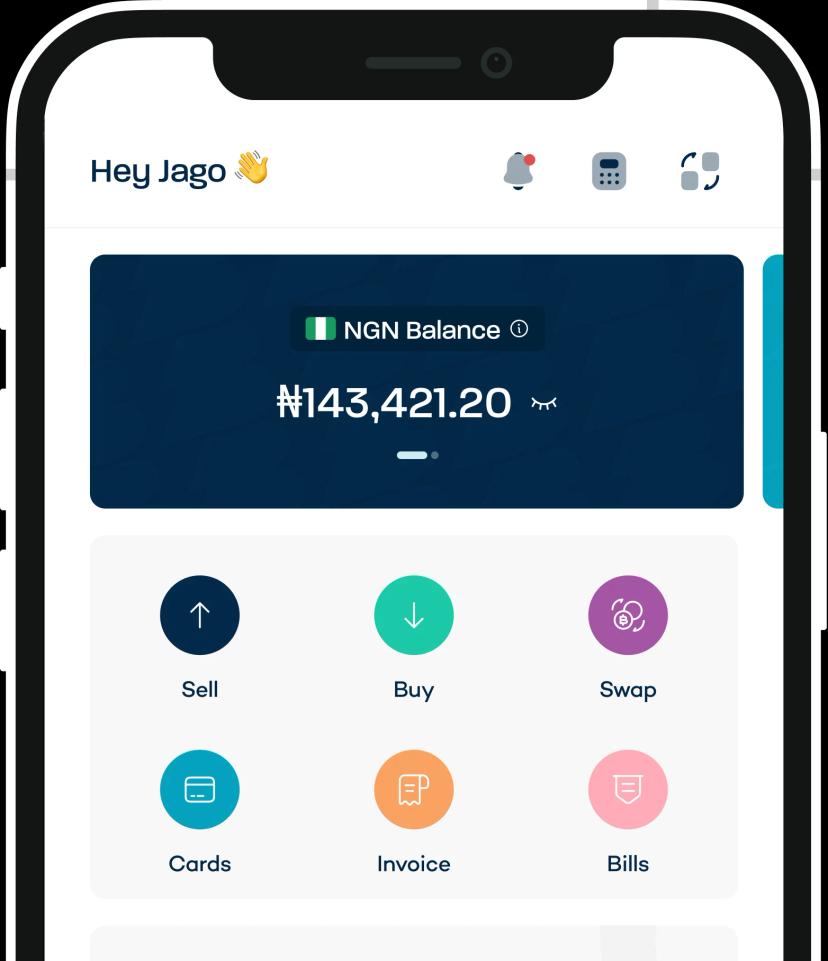

- The top 9 invoice generators for freelancers
- 1. Breet: best for freelancers paid in crypto by international clients
- 2. Zoho Invoice: best free option for multi-currency billing
- FreshBooks: best for freelancers who also want project profitability data
- 3. Wave: best fully free option for a US-domestic freelancer
- 4. Invoicely: best for a freelancer who wants unlimited invoices without the automation overhead
- 5. Invoice Ninja: best open-source option for a technical freelancer
- 6. QuickBooks Online: best for a freelancer already thinking about scaling into a full business
- 7. PayPal Invoicing: best for a freelancer whose clients already pay through PayPal
- 8. Invoice2go: best mobile-first option for a freelancer who invoices on the go
- 9. Billdu: best if invoicing is only part of the job
- Which one to actually pick
- Your invoice shouldn't lose money between send and paid
- Frequently Asked Questions
If you’re a freelancer or business sending an invoice to a client, the right invoicing tool can help project you or your business as a professional. It can also give you visibility into how much you’re expecting from a client or business.
But most invoicing tools aren’t built for this kind of work. A platform that suits a freelancer or business should be able to:
- Customize the invoice to reflect your brand by adding a logo, colors, and customizing layouts so every invoice looks professional and consistent with your brand identity.
- Track invoices and send reminders by sending automatic reminders to clients and showing the status of invoices you’ve sent.
- Integrate payment into the invoice by adding payment gateways so clients can pay directly from the invoice.
- Protect your payment from FX volatility by locking the rate before the market can move against you and avoiding conversion fees or processor cuts.
In this article, we’ll explore how Breet Invoice (our own invoice-generating tool) helps freelancers get paid in crypto without losing money to charges and FX volatility. We’ll also take a look at eight additional invoice-generating providers.
Want to send an invoice that protects what you actually earn? Create your first crypto invoice on Breet.
The top 9 invoice generators for freelancers
| Tool | Free plan | Starting paid price | Best for | Handles international or crypto payments |
| Breet | Yes, unlimited | Free | Freelancers paid in crypto by international clients | Yes |
| Zoho Invoice | Yes, unlimited | Free | Multi-currency billing on a fiat budget | Partial (fiat multi-currency only) |
| FreshBooks | No | ~$19 to $23/month | Project profitability alongside invoicing | No |
| Wave | Yes, unlimited | Free | A fully domestic US freelancer | No |
| Invoicely | Yes, unlimited invoices | ~$9.99/month | Simplicity without automation overhead | Partial |
| Invoice Ninja | Yes, generous tier | ~$10/month | A technical freelancer who wants to self-host | No |
| QuickBooks Online | No | ~$20/month (Solopreneur) | A freelancer scaling into a full business | No |
| PayPal Invoicing | Yes | Free to send, fee on receipt | Clients who already trust PayPal | Partial |
| Invoice2go | No | ~$5.99/month | Invoicing entirely from your phone | No |
| Billdu | No | ~$4.99/month | Invoicing plus light inventory tracking | No |
1. Breet: best for freelancers paid in crypto by international clients
Breet is a crypto conversion and payment platform built for individuals and businesses in Nigeria and Ghana. It is the only entry on this list where the exchange rate locks the moment you create the invoice, and the only one built around a client paying in crypto rather than a card or bank transfer.
Breet has already processed more than 100,000 invoices and facilitated over 60,000 payments, most visibly for freelancers and small agencies whose clients pay in from outside their own country.
The rate locks before the client pays, not after
The exchange rate at the time you generate the invoice is the final amount processed and paid to you, regardless of what the market does in the hours or days before your client actually pays.
Breet is free and still handles the payment itself, rate lock included.
Twelve coins on one invoice link, no wallet-address back-and-forth
The invoice itself accepts BTC, ETH, LTC, SOL, DOGE, AVAX, USDT, USDC, BNB, and more. Your client picks whichever they hold, Breet converts it, and you receive the fiat equivalent without ever handling the crypto yourself.
You never have to ask which wallet or which network, which is the single most repeated friction point in how freelancers actually describe getting paid in crypto.
Free to create, free to receive, and a partial payment doesn’t get stuck
Creating and receiving invoices on Breet costs nothing, no percentage cut on either end, and if a client pays less than the full amount, Breet automatically generates a new invoice for the remaining balance instead of leaving the original sitting half-paid with no clean way to close it out.
Breet’s dashboard also tracks paid, pending, and expired invoices at a glance, so you know which invoice is still pending and which ones are done for auditing or accounting purposes.
Ready to send an invoice that protects what you actually earn? Create your first crypto invoice on Breet.
2. Zoho Invoice: best free option for multi-currency billing
Zoho Invoice is completely free with no cap on invoices, and it carries the strongest multi-currency support of any fiat-only tool on this list, with recurring invoices, a client self-service portal, and workflow automation rules included at no cost.
The trade-off shows up if you’re managing just one or two clients: the automation-rule setup is built for more volume than a light freelance schedule needs, and you’ll spend time configuring things you may never touch again.
FreshBooks: best for freelancers who also want project profitability data
FreshBooks unifies time tracking, expense management, and invoicing, with OCR-powered receipt scanning and retainer billing built in, at a real monthly cost starting around $19 to $23 depending on billing terms, since there’s no free invoicing tier.
That absence of a free plan matters if you’re just starting out and comparing this list specifically for a no-cost option; FreshBooks is built for a freelancer who already has revenue to justify the subscription, not one testing the waters.
3. Wave: best fully free option for a US-domestic freelancer
Wave offers unlimited invoices and basic bookkeeping at zero monthly cost, with branded templates, integrated card and bank payments, and a revenue dashboard, making it the safest default for a freelancer who only bills locally.
The catch is the same fee category this whole article keeps circling back to: card processing runs 2.9% plus $0.60 per transaction, and 3.4% plus $0.60 for American Express, per Wave’s own published rates.
For a domestic freelancer, that’s a manageable, predictable cost. For anyone billing internationally, it’s exactly the leak this list is trying to help you spot.
4. Invoicely: best for a freelancer who wants unlimited invoices without the automation overhead
Invoicely offers unlimited invoices even on its free plan, with a simple multi-client dashboard, basic multi-currency display, and a paid tier from roughly $9.99 a month for deeper automation.
Fewer integrations than the bigger platforms on this list is the honest trade-off, which matters if you want everything, from payments to accounting, connected in one ecosystem rather than stitched together.
5. Invoice Ninja: best open-source option for a technical freelancer
Invoice Ninja pairs a generous free tier with full self-hosting control, client portals, multiple payment gateways, and time tracking on its paid tier, starting around $10 a month if you’d rather not manage your own server.
Self-hosting requires a technical setup most freelancers won’t want to take on, and the interface reads a little dated next to the newer tools on this list, which is the real cost of the flexibility it offers.
6. QuickBooks Online: best for a freelancer already thinking about scaling into a full business
QuickBooks Online bundles full accounting with invoicing, recurring billing, bank reconciliation, and tax calculation, with a Solopreneur tier now starting around $20 a month after a round of 2026 price increases pushed the standard Simple Start plan considerably higher.
It’s built for a growing business’s books, not a solo freelancer sending a handful of invoices a month, and the price reflects that scope even at the entry tier.
7. PayPal Invoicing: best for a freelancer whose clients already pay through PayPal
PayPal Invoicing is free to create and send, with instant payment, recurring billing, and broad global currency support, and the client-side familiarity is real: most clients already have an account and trust the checkout flow.
That convenience comes with the fee this article keeps returning to. PayPal charges a percentage on receiving and another one when withdrawing.
Also, it’s not helpful for a first-time person from Africa, as they will hold the funds in your balance for 21 days, sometimes 14 days, before they release it. They said it’s their way of ensuring the account is a solid one and not used for fraud.
8. Invoice2go: best mobile-first option for a freelancer who invoices on the go
Invoice2go is built mobile-first, from about $5.99 a month billed annually, with payment tracking, expense reporting, and PayPal and Stripe integrations available straight from your phone.
Fewer advanced automation features than the desktop-first tools on this list is the trade-off, which suits a freelancer who mostly wants to send and track invoices between jobs rather than run deep reporting.
9. Billdu: best if invoicing is only part of the job
Billdu combines invoicing with basic inventory tracking, quote templates, and mobile apps for iOS and Android, starting around $4.99 a month.
The inventory features go largely unused if you only sell time or deliverables rather than physical goods, which makes this a narrower fit than most other entries here.
Which one to actually pick
The right tool depends on where your clients actually are, not on which one has the longest feature list.
If you’re paid partly or fully in crypto, or you bill overseas clients trying to dodge wire and PayPal fees, Breet is the only entry here where your payout locks before the market can move against it.
Ready to see it in action? Open the invoicing dashboard and create your first invoice.
If you’re a domestic freelancer working in one currency and want free and simple, Wave or Zoho Invoice cover that well. If you also want time tracking and project profitability data, FreshBooks earns its subscription.
For freelancers scaling past solo freelance work into something closer to a small business, QuickBooks Online is built for that stage.
Your invoice shouldn’t lose money between send and paid
Every tool on this list can send a bill. Only one protects what you actually keep once a client pays in a currency, or a coin, that isn’t your own: a rate that locks at invoice creation instead of at payment, zero fee to create or receive, and 12 or more coins on a single link with no wallet-address guesswork.
If you’re billing an overseas or crypto-paying client for the first time this month, send that one invoice through Breet before defaulting back to a wallet address and a hope.
Ready to send an invoice that protects what you actually earn? Create your first crypto invoice on Breet.
Frequently Asked Questions
Which is the best free invoicing tool?
Breet and Zoho Invoice are two of the best free online invoice generators offering unlimited invoicing and essential features for crypto traders and freelancers.
Can I create invoices for USDT (TRC-20) or other crypto payments?
Yes, many online invoice generators now support cryptocurrency payments, including USDT (TRC-20), Bitcoin, and Ethereum. Tools like Breet let you create invoices that your clients can pay directly in crypto.
Are online invoice generators safe to use for crypto transactions?
Most reputable invoice generators use SSL encryption and secure payment gateways. However, always check for official websites before creating invoices.
Do I need an account to create an invoice online?
Some platforms let you generate invoices without an account, but most require registration to save client details, track payments, and provide additional features.
Are these invoice generators free?
Many offer free basic plans with limited features, while premium plans include advanced tools like recurring invoices, branding, and integrations.