Not everyone can get Bitcoin on Cash App. You need to be 18 or older, live in the US (outside New York), and have verified your identity with your Social Security Number. IDs outside the US, like a Nigerian BVN, are not accepted.
Before you start, confirm your phone number and email, link a debit card or bank account if you plan to buy Bitcoin, and update Cash App to the latest version. An outdated app can keep the Bitcoin option from appearing.
If you meet these requirements, this guide shows you how to enable Bitcoin and buy it through Cash App. If you do not, it explains what to do instead.
How to turn on Bitcoin in Cash App, step by step
Step 1: Open Cash App and sign in
Open Cash App and sign in. If you do not have an account, tap Sign Up and follow the prompts to create one. If you have not completed identity verification, do it in Step 3 before using Bitcoin.
Also make sure you are using the latest version of the app. You can find out if you’re on the latest release by checking the App Store or Playstore.
Step 2: Open the Money tab and Bitcoin tile
From the Cash App home screen, tap the Money tab at the bottom left of the screen. Then tap the Bitcoin tile.
If the Bitcoin tile does not appear, update the app and check your eligibility again. The feature may also be unavailable because of your age, location, account status, or pending identity verification.
Step 3: Complete identity verification
Cash App will ask you to verify your identity before you can use Bitcoin. If you didn’t already do that on signup, enter your full legal name and date of birth exactly as they appear on your identity documents. Provide your Social Security number when requested. Cash App will also ask for your address, a photo of a government-issued ID, and a selfie.
Check every detail before submitting the form. A blurry ID photo or a name that does not match your documents will cause the verification to fail.
Cash App says identity verification can take up to 48 hours when additional review is required. If Cash App rejects your verification, check the photo quality and make sure your details match.
Step 4: Use the Bitcoin features
After Cash App approves your verification, return to the Money tab and open the Bitcoin tile. You can now buy and sell Bitcoin from this screen.
To send or receive Bitcoin, tap the arrows button and follow the prompts; to deposit Bitcoin from another wallet, tap the Deposit Bitcoin button.
Cash App requires Bitcoin withdrawals and deposits to be enabled before you can use a Bitcoin deposit address, so complete the in-app enablement instructions, then copy the address shown.
And that’s it. Bitcoin is now enabled on your Cash App.
Buy your first Bitcoin on Cash App
- Open your Cash App
- Tap Money
- Tap the Bitcoin tile.
- Tap Buy.
- Select an amount or tap More to enter a custom amount. Cash App lets you start with as low as $1.
- Choose Cash Balance, a linked debit card, or a linked bank account as your payment source.
- Review the Bitcoin price, fee, and total on the confirmation screen.
- Confirm the purchase with your PIN or Touch ID.
The Bitcoin then appears in your Cash App balance.
Cash App also offers Bitcoin Back, which returns 5% in Bitcoin on qualifying purchases made with Bitcoin at eligible Square sellers, up to $30 per month through December 31, 2026.
What to do if you cannot use Cash App
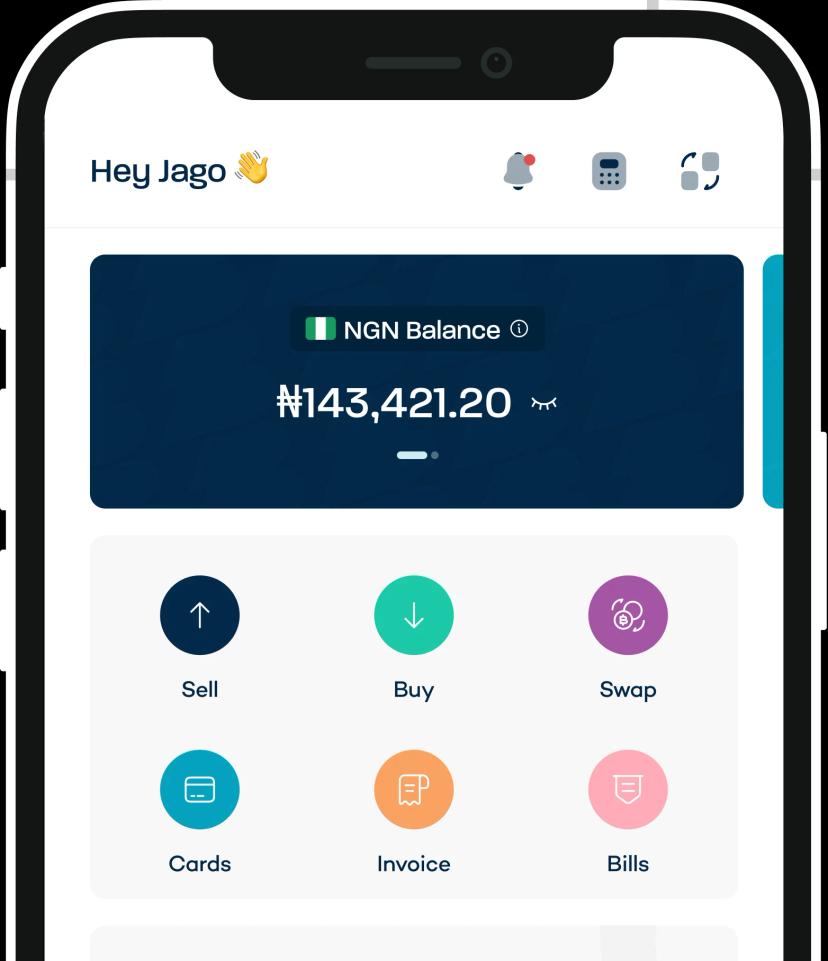
If Cash App is not available to you, you can still get Bitcoin through Breet.
First, buy USDT or USDC with Naira or Cedis and then swap it for Bitcoin in the same app.
Breet supports more than 170 cryptocurrencies, and most swaps finish in 2 – 30 minutes, based on the network.
Start buying Bitcoin with Cash App
Your eligibility matters more than the steps. If you do not meet Cash App’s age, location, and identity-verification requirements, the Bitcoin feature will not appear.
If you’re in the US (aside from New York) and Cash App accepts your age, location, and identity verification, you can open the Money tab, tap Bitcoin, and buy your BTC.
However, if Cash App is unavailable to you for any of these reasons, there are other options available to you. You can use a Bitcoin service that operates where you live instead.
Frequently asked questions
Why isn’t Bitcoin showing up on my Cash App?
Update Cash App and restart it. Then confirm that your age, location, and Social Security number match your account details. If the Bitcoin tile is still missing, check whether verification is pending and resubmit a clear photo if Cash App asks for one.
Why am I not eligible for Bitcoin on Cash App?
Full access requires being 18 or older, plus US residence outside New York, plus a verified SSN.
How long does it take to activate Bitcoin on Cash App?
Approval time varies. Check your status in Cash App under Identity verification and follow any request for more information. Do not submit the same documents repeatedly while a review is pending. If Cash App rejects them, correct the issue before trying again.
How can I earn Bitcoin on Cash App without buying it?
Bitcoin Back lets you earn 5% back up to $30 per month through December 31, 2026.
How do I make my Cash App Bitcoin enabled?
Meet the three checks first. Be 18 or older. Live in the US outside New York. Verify with a tax ID and photo ID. Then use the current store version. Open the Money tab, open the Bitcoin tile. If the tile stays hidden, one check still fails.
How do I turn Bitcoin to cash on Cash App?
Open the Money tab, open the Bitcoin tile. Tap Sell and enter an amount. Review the fee and rate. Confirm. Your proceeds land in Cash Balance. Tap Cash Out to move to your bank or debit.